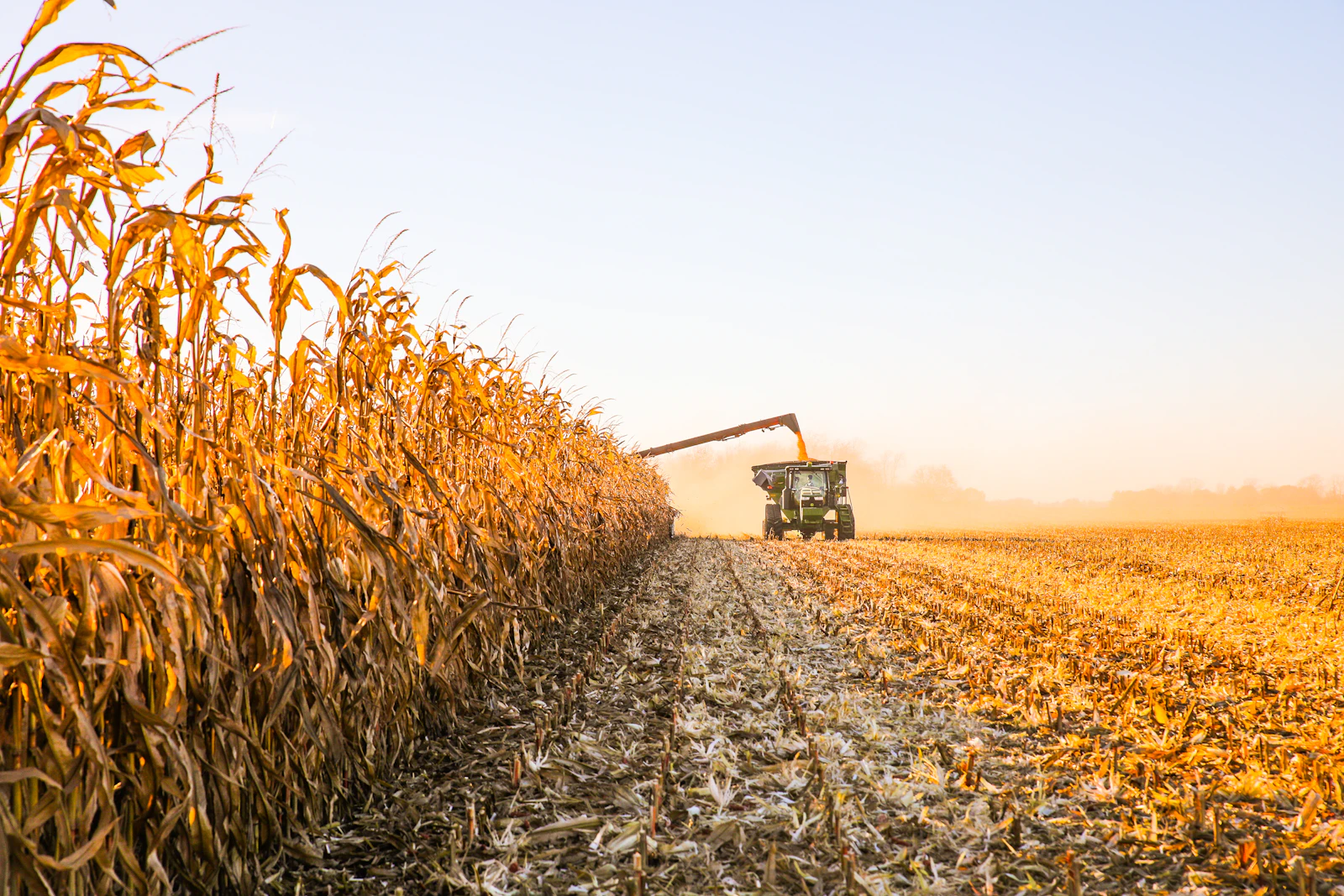
Picture a combine whose monitor reports 212 bushels per acre while the scale tickets say 198, as a rough example. The scale is not the problem. Yield monitor calibration usually is.
Every yield map, hybrid comparison and zone decision sits on top of that one setting. If the base drifts, everything drifts. Fix it first.
How Yield Monitor Calibration Drifts Over a Season
A monitor does not weigh grain. It estimates mass flow from a sensor and converts the signal into bushels using stored calibration factors. Those factors shift.
Several things move the factors over a season. Early fields come in wet and late fields come in dry, and the flow pattern changes with ground speed, header height and crop condition. Sensors also pick up residue.
Crop condition matters as well. Green stalks, heavy residue and uneven stands change how grain strikes the sensor. A factor set under easy conditions rarely holds under hard ones.
Temperature swings add to it. A sensor zeroed on a cool morning can read differently by afternoon, and the offset passes straight into the map. Check the zero often.
Quick Tips
- Calibrate at the start of harvest and again when the crop or moisture range shifts.
- Run at least four loads that cover slow, normal and fast flow rates.
- Weigh every calibration load on a certified scale.
- Record the factor used for each field.
Which Parts of the System Drift Most
Not every component drifts at the same pace. Flow sensors, moisture sensors and the area measurement each carry their own error. A small error in one can hide a larger one in another.
| Component | Typical symptom | Best check |
|---|---|---|
| Flow sensor | Totals disagree with scale tickets | Calibrate with weighed loads |
| Moisture sensor | Wet and dry fields do not line up | Compare with an elevator reading |
| Header height sensor | Spikes along field edges | Test the raise and lower response |
| Ground speed input | Map looks stretched or compressed | Verify against GPS speed |
Moisture deserves extra attention. Yield is reported at a standard moisture, so a sensor that reads a few points high shifts every bushel in the same direction. The error hides well.
The math is in our post on grain moisture correction.
Area is the quiet one. Swath width, overlap at the headlands and GPS lag at turnarounds all change acres. Wrong acres mean wrong yield.
Header height deserves a quick test too. If the sensor lags when the head lifts, the monitor keeps counting empty time as harvested area. Edges then look weak.
The Biggest Mistake Is Calibrating Only Once
The number one mistake is calibrating once and trusting it all harvest. It costs more than it seems.
Take a grower who calibrates on dry, steady corn in September. By late October the corn is wetter, the combine crawls through lodged stalks, and the setting no longer fits. The maps still look smooth.
As an example, a late field might read several percent low because the flow rate left the calibrated range. It looks like a poor performer. It was not.
Some operators skip recalibration because the numbers look plausible. Plausible is not the same as correct. A monitor can be several percent off and still produce believable maps.
The fix is cheap. After any repair or big moisture shift, recalibrate. It takes an hour.
A Simple Routine for Harvest Season
Start with a plan before the first load. Run at least four loads, spread from slow to fast flow, and weigh each one on a certified scale. Enter the weights.
Choose loads that match real conditions. Do not run a half-empty cart through a slow test and call it done. Match the field.
Weigh with the same scale every time. Mixed scales add their own error, and a farm scale can differ from the elevator scale. Know the difference.
Write a short checklist and keep it in the cab. List the cart weigh steps, the factors entered and the moisture reading. A checklist beats memory on a long day.
Repeat when the crop, moisture range or header changes. Note the date and field in a log. A log makes later corrections possible.
Cross-Checking Totals Against Scale Tickets
After each field, compare the monitor total with the delivered weight. Keep the ratio in a simple sheet.
A steady offset means a bad factor. A wandering ratio means drift. Both are fixable.
Header losses also pull totals down, so see our post on harvest loss measurement before blaming the sensor. Check both.
Treat the first field of each crop as a test. If the ratio looks off, stop and recalibrate before the rest of the harvest piles up on a bad factor. Catch it early.
Raw data also needs cleaning. Remove points at headland turns, start and stop delays, and speeds outside the normal range. Cleaning removes the noise.
Putting Corrected Data to Work
Once the numbers hold, the maps become useful. Hybrid comparisons, zone boundaries and nitrogen response all rest on honest bushels. The effort pays back in better decisions.
For the latest USDA benchmarks, use the state yield data pages next to your corrected totals. Compare like with like.
Share the log with whoever reads your maps. An agronomist should know when the monitor was last calibrated and how far totals sat from scale weights. Context matters.
Small differences between fields are common. Without calibration notes, a small gap could be real or an artifact of the sensor. With notes, you can decide.
Calibration records help in other ways. They support crop insurance discussions and landlord conversations, and they let a new operator pick up where the last one stopped. Keep them.
Calibration is dull work. It is also one of the cheapest accuracy upgrades a farm can make.
Try the Calculator
Estimate the payback on variable-rate seeding, zone-based fertility, and overlap reduction for your farm.
Estimate only — based on industry-average implementation costs (variable-rate seeding $18/ac, zone-based fertility $22/ac, overlap reduction $9/ac; $12,000 fixed + $17/ac ongoing) and USDA yield benchmarks, not a quote. Prices: USDA NASS national price received, Sep 2026 (updated automatically). See your state's full yield data →
See your state's full yield data: See your state's full yield data.
Frequently Asked Questions
How often should I calibrate a yield monitor?
Calibrate at the start of harvest and again when the crop, moisture range or header changes. Many growers also recheck after repairs.
How many loads do I need for yield monitor calibration?
Plan on at least four loads that cover slow, normal and fast flow rates. Weigh each one on a certified scale.
Why does my yield monitor total not match the scale tickets?
The monitor estimates flow instead of weighing grain, so moisture, flow rate and sensor condition can all shift its factors. A steady offset points to a bad factor, while a wandering ratio points to drift.
Does moisture error affect yield maps?
Yes. Yield is reported at a standard moisture, so a moisture sensor that reads high or low shifts every bushel in the same direction.
Can I fix old yield data after a bad calibration?
Often, yes. If you kept scale tickets and a log of calibration factors, you can apply a correction ratio to each field.